


01
MacBook and a second display
Each screen gets its own dock with the apps you use there.
 RogsApps.
 Dock Ultimate for Mac
A separate dock on every edge of every display, with folders, groups, tabs and presets that switch by themselves when you change displays.
Sales start soon.
After the sales start: test it free for 7 days, no account, no email. Then buy a license for up to 3 Macs. Price on the purchase page, tax included, no subscription. macOS 14 or later, Apple silicon and Intel.
It sits on one screen and only moves when you push the pointer against the bottom edge of another display. With two or three displays, you keep crossing screens to reach it.
Bottom, top, left or right, up to four docks per display. Each one shows the shared list, a list of its own or your macOS Dock.
With Magic Switch, a click on a running app in a dock moves its window to that display. The window preview shows beforehand which window it is.
Plus folders, groups, tabs, presets for each display setup and keyboard control. All features
01
Each screen gets its own dock with the apps you use there.
02
Bottom, top, left or right. On a portrait display the dock can run vertically, on the MacBook horizontally.
03
Browsers or the apps of a project share one place in the dock. One click opens the group.
04
Rest the pointer on an app and its windows appear. Delay and preview size are set in the app.
05
With Magic Switch on, clicking a running app in the dock of another display moves its main window there.
06
Up to twelve tabs per list. Presets save the arrangement and load the matching one when you plug in your displays. Docks come in glass, light or dark, with adjustable icon size and magnification.
07
Docks can sit anywhere on the screen, in one to four rows. Seven widgets and eleven actions can be tried in the browser.
Illustration: docks set onto workspace photos. The chapters show real recordings with sample apps.
Three displays with one dock each. You can open apps, move windows with Magic Switch and set up the docks under “Settings”, including free areas, rows, widgets and actions. Volume, brightness and clipboard change only here, not on your Mac.
Start in full screen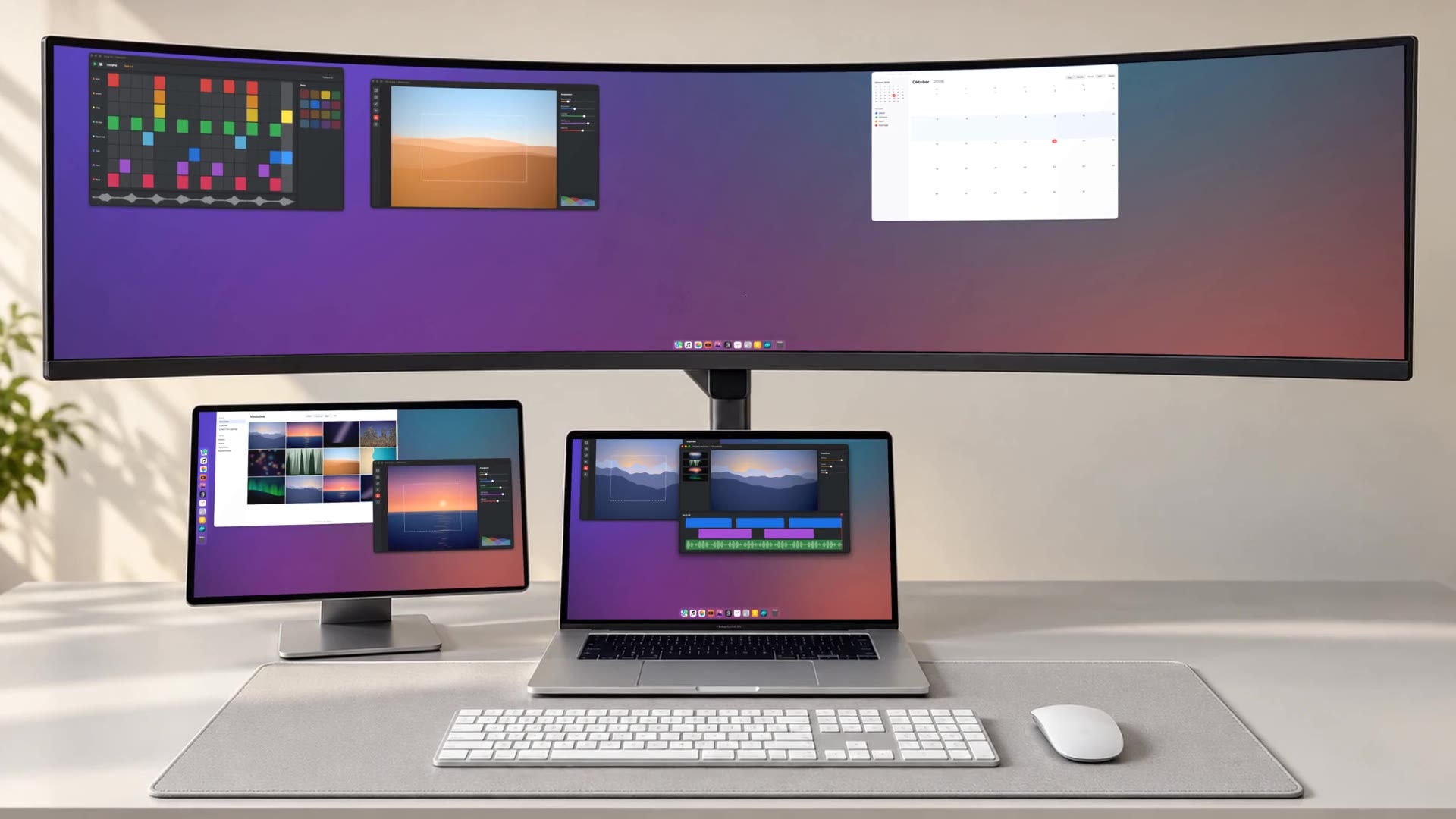
The tryout is made for a mouse and a large screen. Open this page on your Mac to control docks, groups and Magic Switch yourself.
The tryout runs in your browser and shows the direct edition. Windows, names and contents are made up. Settings marked “Mac only” work only in the app.
General, Docks, Presets and Windows, with sample data. German interface.
A selection of dock features for work across several displays. This table compares selected functions, not every capability of each app.
| Dock Ultimate Direct | Sidebar | uBar 5 | DockDoor Pro | Dockish | |
|---|---|---|---|---|---|
| A dock on every display | yes | yes | yes | yes | yes |
| Edge docks per display | up to 4 | not stated | one per display | one per display | not stated |
| Docks on all four edges | yes | not stated | yes | not stated | bottom, left, right |
| Layout switches with connected displays | yes | not stated | not stated | not stated | yes |
| Tabs in the dock | yes | not stated | not stated | not stated | not stated |
| App groups | yes | yes | windows of one app | yes | app folders |
| Window previews | yes | yes | yes | yes | yes |
| Bring a window to the clicked display | yes | not stated | not stated | not stated | not stated |
| Hide the macOS Dock | yes | not stated | not stated | yes | yes |
| Keyboard control | yes | shortcuts | app/window shortcuts | yes | shortcuts |
| Price | See purchase page | see vendor site | see vendor site | see vendor site | see vendor site |
| Trial | 7 days, no account › | 7 days | 14 days | 48 hours, 14-day refund | 7 days |
| Requires | macOS 14 | macOS 13 | macOS 26 | macOS 14.6 | macOS 14 |
Dock Ultimate organizes apps and groups, with previews for their windows. Sidebar, uBar and DockDoor Pro also offer separate entries for individual windows. Sidebar and uBar include clock/calendar controls; DockDoor Pro offers additional dock widgets.
Other apps as stated on their makers’ websites, checked on 4 November 2026: Sidebar , uBar 5 , DockDoor Pro , Dockish . “Not stated” means the maker’s page says nothing about it. Prices: see the makers’ pages. Something missing or changed? Tell us. Sidebar pricing , Sidebar FAQ , uBar documentation , DockDoor Pro features .
The purchase page shows the current price. No subscription. The price includes VAT or sales tax. Your contract is with RogsApps; Link (Stripe) handles payment, receipt and invoice, so checkout shows “Sold through Link”. One license covers up to 3 Macs and includes all version 1 updates.
Download and installation follow with the sales start. After that: test free for 7 days, then a license from RogsApps. Updates inside the app.
Some apps and full-screen windows cannot be moved. All permissions
Window previews stay on your Mac; they are not saved or sent. No tracking, no analytics in the app. This website loads no analytics or advertising scripts, no tracking pixels and no external fonts; we count visits only on our own server. Privacy notice
The direct edition is a one-time purchase, with no subscription. The price includes VAT or sales tax. Your contract is with RogsApps; Link (Stripe) handles payment, receipt and invoice, so checkout shows “Sold through Link”. One license covers up to 3 Macs and includes all version 1 updates. Your license key arrives by email after purchase: Open the purchase page
Yes, from the sales start. Download the app, open it and test it free for 7 days, without an account and without an email address. You start the trial in the app with a click; without internet, you can test locally for up to three days, counted towards the seven days. Connect to the internet to use the remaining time. After 7 days you need a license key from the purchase page. Purchase page
Dock Ultimate is a universal app for Apple silicon and Intel Macs running macOS 14 or later.
Window previews stay in memory for a moment; they are not saved or sent. This website includes no analytics or advertising scripts and no tracking pixels. For license, trial and updates the app connects to RogsApps servers; the weather tile, if you use it, asks MET Norway for the forecast at a location rounded to about 1 km. The privacy notice lists every data flow. Privacy notice